Kubernetes, without adopting a second job.

Create a cluster yourself in the console, version, node pool, running, or have our engineers design and build your first one with your team. Either door, the same cluster on the same platform.

Submit a request
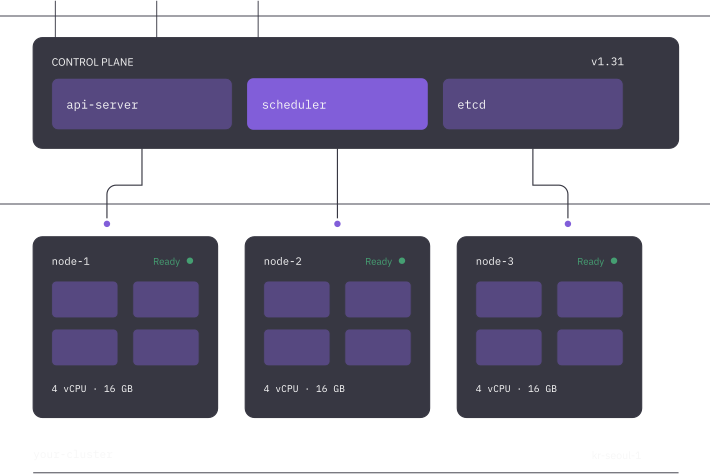
A cluster in the console: control plane with api-server, scheduler and etcd above three ready nodes

Two doors, one cluster

Some teams have run Kubernetes for years. Some are creating their first cluster this quarter. There's a door for each — and they lead to the same place.

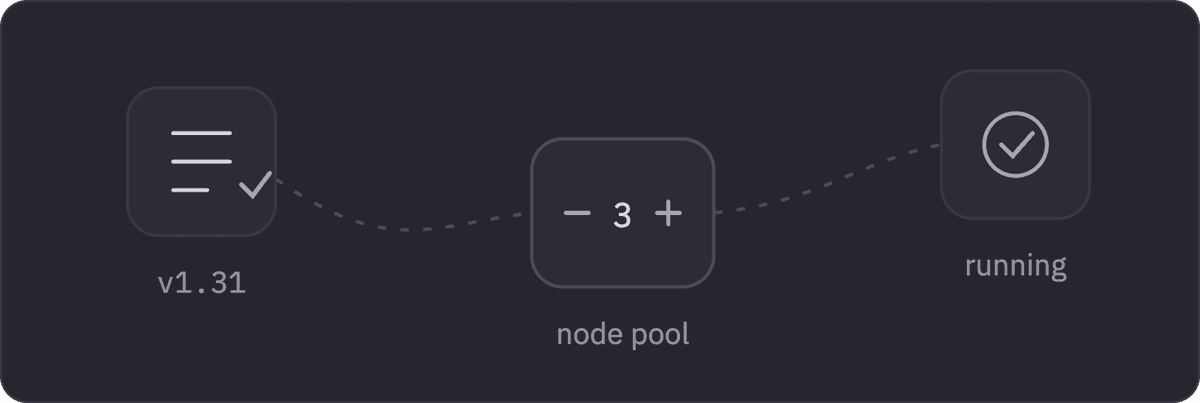
Console flow: pick a version, size the node pool, cluster running

Create it yourself

Know what you want? The console asks three things and gets out of the way.

  1. 1

    Pick a version

    Supported Kubernetes versions, current and named.

  2. 2

    Size the node pool

    Nodes are Cloud Servers: same sizes, same won prices, count set with a stepper.

  3. 3

    Running

    Control plane up, nodes joined, kubeconfig ready to download. kubectl get nodes works.
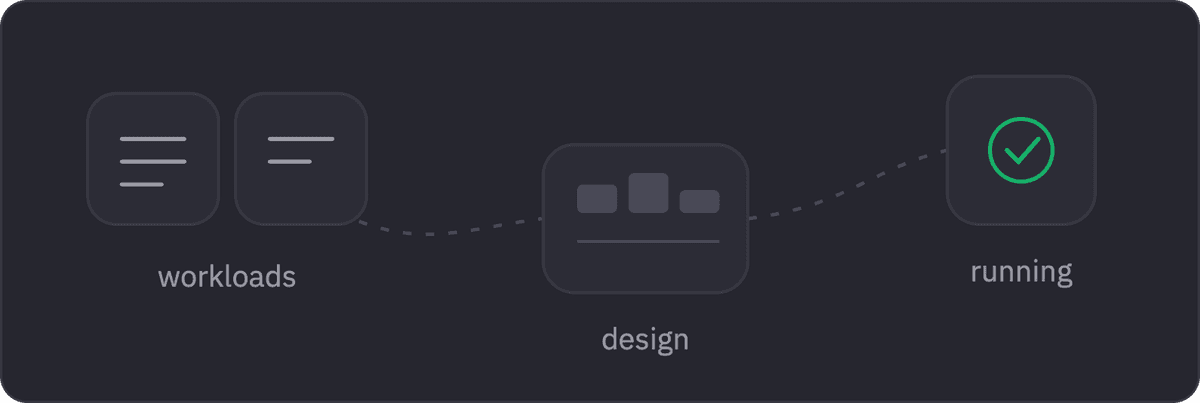
Engagement flow: review workloads, design the cluster, hand over a running cluster

We build it with you

First cluster, or a complicated one? Our engineers design it with your team, build it in your project, and hand it off documented — you operate a cluster you understand, not one you inherited.

  1. 1

    Assess

    A working session on your workloads: what moves to Kubernetes, what shouldn't, what the cluster needs to look like.

  2. 2

    Design and build

    We architect and create the cluster in your project — node pools, networking, access — with your team watching and asking.

  3. 3

    Hand-off

    Documentation, a walkthrough, and the keys. It's your cluster in your console; we're a support ticket away, not a dependency.

Either door, the same cluster, on the same platform.

Who manages what

"Managed Kubernetes" means something different on every cloud. Here's what it means on this one, as a table, not a paragraph.

Responsibility matrix: which layers of the cluster DanaIX operates and which stay with you
layerDanaIXyou
Control planerun · highly available · patched
Kubernetes version upgradesschedule-run / console-triggered / you-trigger-we-execute
Node OS patchingsame three shapes
Your workloads, your datawhat runs in the cluster · how it's configured

If a row ever changes, it changes here first. This table is the agreement.

Wired into the platform

A cluster elsewhere arrives alone — you wire up monitoring, DNS, and access yourself. Here it arrives connected.

  • Monitoring

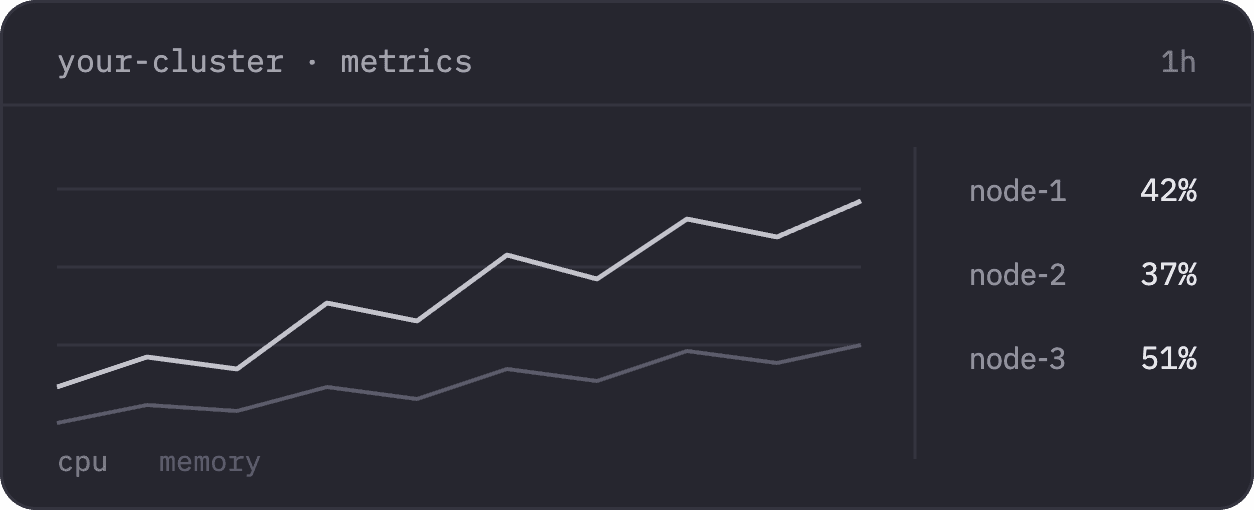
    Cluster metrics dashboard with per-node CPU and memory

    Cluster and node metrics flow into DanaIX Monitoring automatically, control plane health, node CPU and memory, per-node logs. The same dashboard as your servers and apps, no agents to install.

  • DNS — names for what you run

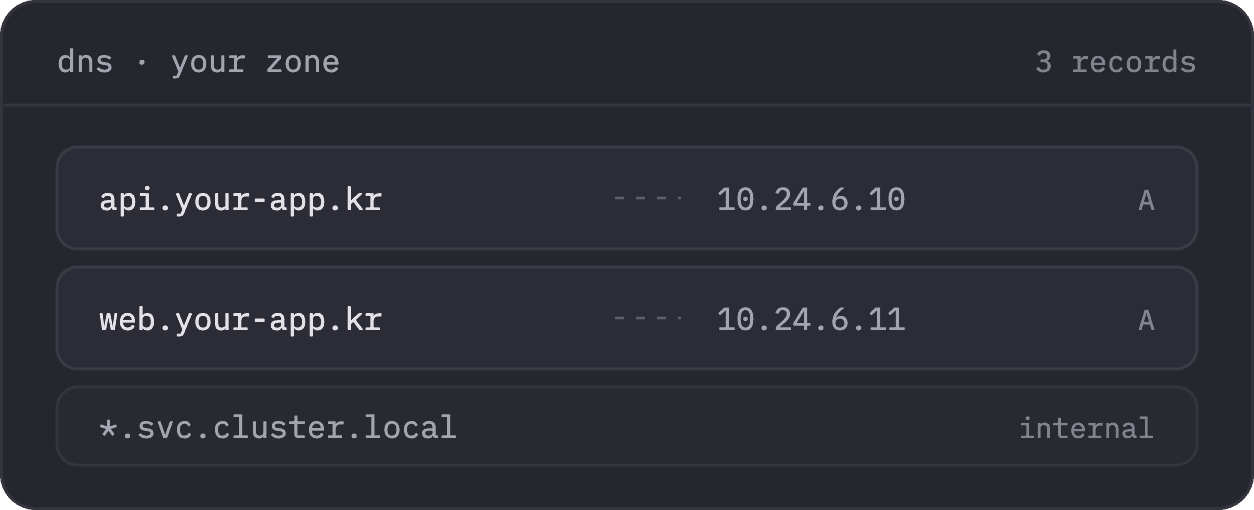
    DNS zone with records pointing at cluster endpoints

    Your cluster's services live next to your zones. Point records at cluster endpoints in the same console, and DNS is free, so there's no reason not to.

  • Load balancer

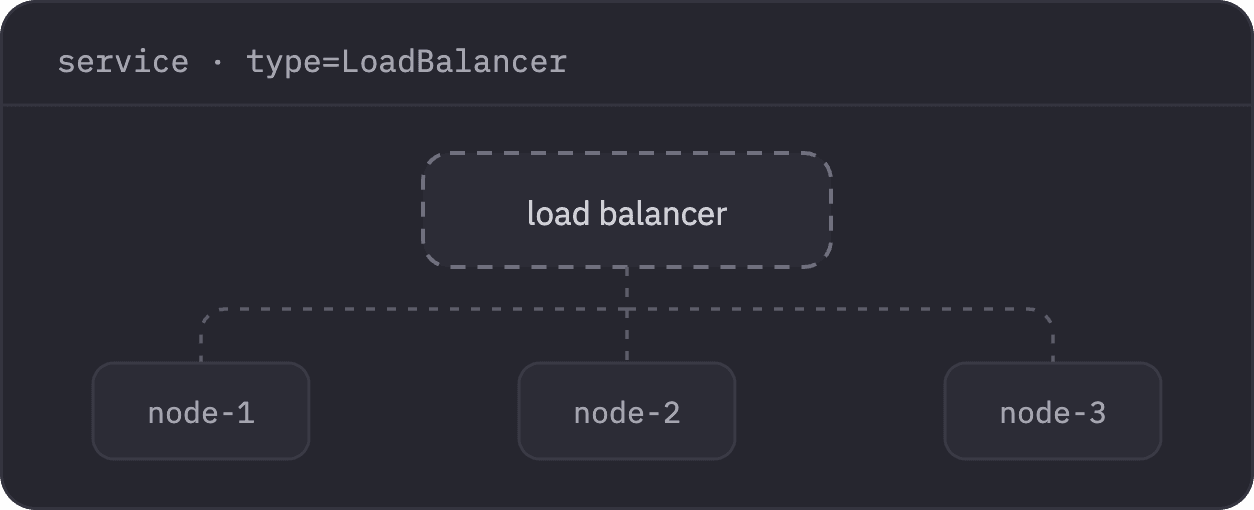
    A load balancer fronting three cluster nodes

    Expose services through a platform load balancer, provisioned from the cluster, priced on the pricing page like everything else.

  • Access — the same roles as everything else

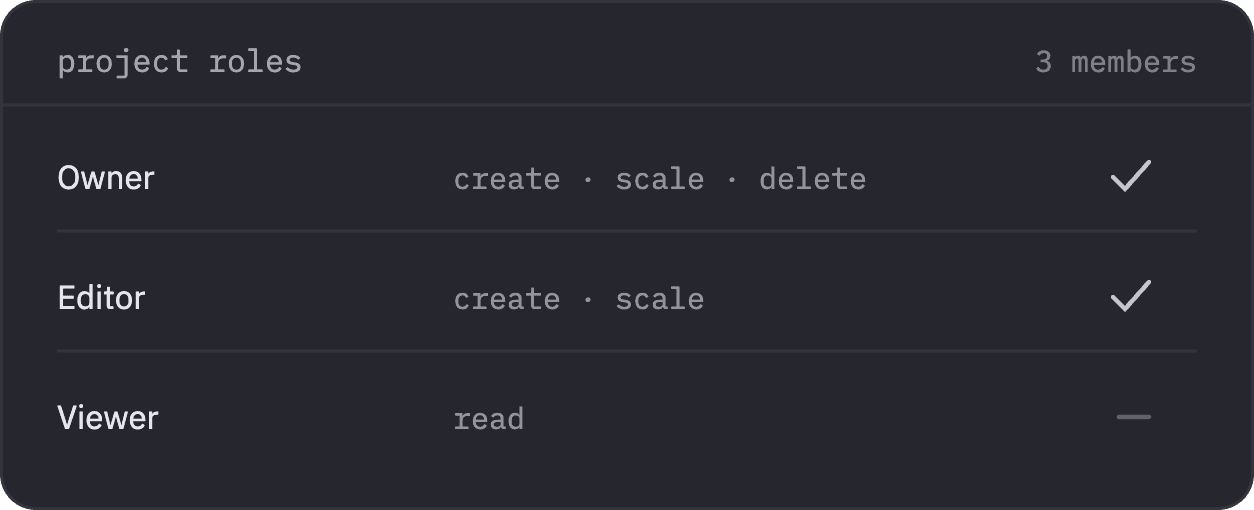
    Project roles table showing owner, editor and viewer permissions

    Who can create, scale, or delete clusters follows your workspace and project roles, the cluster is a resource in the project, governed like the rest. The audit log records cluster actions with names attached.

Free, and what that actually means

Nodes are Cloud Servers: same sizes, same prices, billed hourly under the same rules, as written on the Cloud Server page.

$0

Run, made highly available, and patched by DanaIX, at no charge, for every cluster. Dev, staging, prod: three clusters cost three node pools, not three cluster fees.

Built for here

Most Kubernetes platforms start with a cluster. This one starts closer to the people using it.

  • ~N ms

    Your app runs in Seoul, so your users never wait on an ocean. Single-digit latency to Korean networks — the kind Singapore and Oregon regions can't physically offer.

    How we measure this →Datacenter
  • Connected

    Build on Cloud Servers and connect to the platform services around your cluster, including monitoring, DNS, load balancing, and project-level access control.

    Our Products →Homepage
  • Support

    Create a cluster independently or bring in DanaIX when you need help designing, configuring, and handing off the right foundation.

    Who answers →Contact Us

Submit a request

Enter your basic information to submit your request for review.

Frequently Asked Questions

The questions people actually ask, answered the way we'd want them answered

Create a cluster from the console by choosing a Kubernetes version and node pool. The expected provisioning time should be shown before you create it, so there is no guesswork.

DanaIX operates the Kubernetes control plane. You manage your workloads, application configuration, data, access inside the cluster, and the resources your applications consume. This shared-responsibility model is standard for managed Kubernetes services.

Supported versions and their maintenance windows are listed in the console. Version-upgrade availability and the upgrade process should be confirmed according to the final DanaIX lifecycle policy.

Yes. Connect to your cluster using its kubeconfig and manage workloads with standard Kubernetes tooling, including kubectl. Any DanaIX-specific limits or supported add-ons are documented alongside the cluster configuration.

Yes. Container images, Kubernetes manifests, Helm charts, and configuration can generally move between conformant Kubernetes clusters. Plan the migration around persistent data, ingress, DNS cutover, secrets, and any cloud-provider-specific integrations.

Yes. Choose the assisted setup option when creating a cluster. Creating a cluster is not the hard part — designing the right node pools, networking, access model, and hand-off is. DanaIX helps build the foundation, then hands you a cluster you can operate on the same platform.